
Comparing Audio Production Software: Which is Right for You?
Understanding Your Needs
Choosing the right audio production software can be a daunting task, especially with the plethora of options available today. Whether you are a beginner looking to dip your toes into audio editing or a seasoned professional seeking more advanced features, it's crucial to understand what you need. Consider your skill level, the type of projects you plan to work on, and your budget. These factors will guide you in making an informed decision.
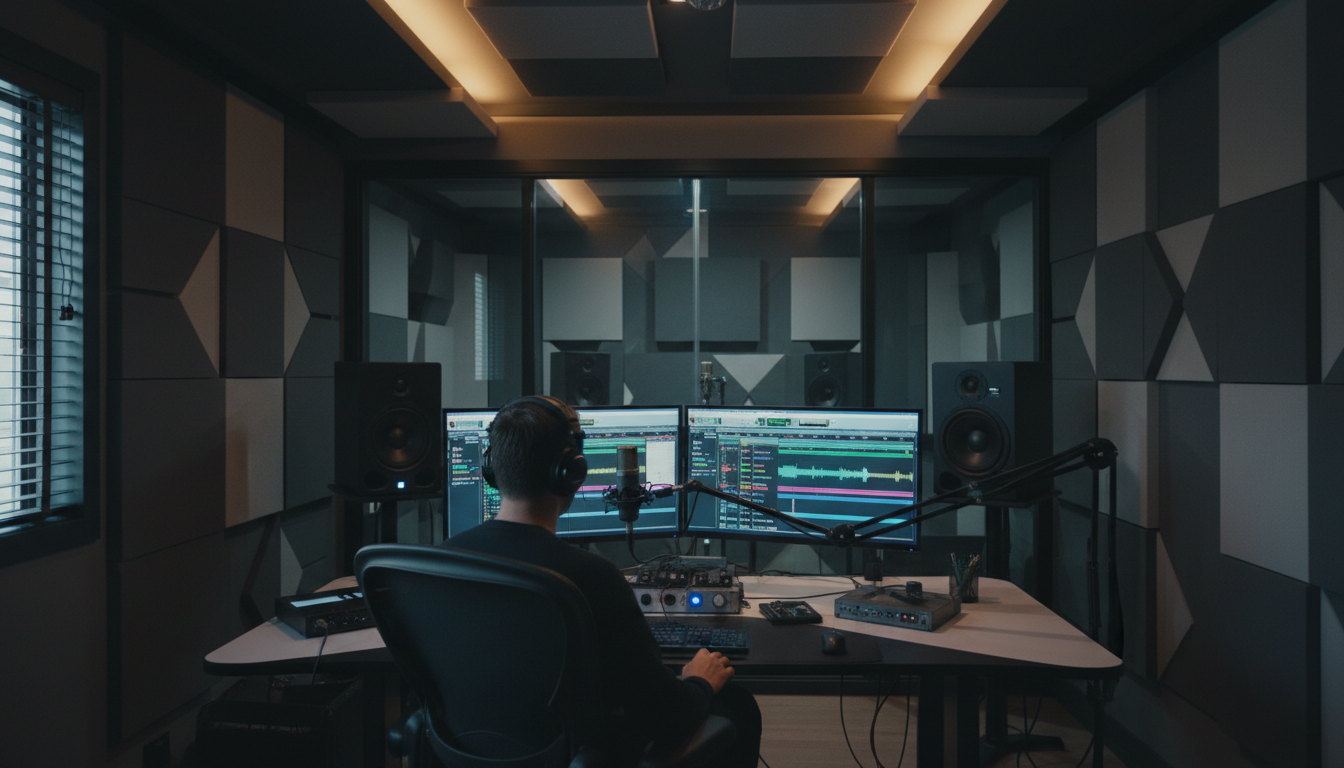
Popular Audio Production Software
There are several well-regarded audio production software programs in the market. Some of the most popular choices include:
- Pro Tools: Known for its powerful editing features, Pro Tools is widely used in professional studios.
- Logic Pro: A favorite among Mac users, Logic Pro offers a comprehensive suite of tools for music creation.
- FL Studio: Popular in the electronic music scene, FL Studio is known for its user-friendly interface and rich features.
- Ableton Live: Ideal for live performances, Ableton Live offers seamless integration with various hardware controllers.
Features to Consider
When comparing audio production software, it's essential to look at the features each program offers. Some key features to consider include:
- Multitrack Editing: This allows you to work on multiple audio tracks simultaneously.
- Plugin Support: Check if the software supports third-party plugins for added functionality.
- Virtual Instruments: Some programs come with built-in instruments that can enhance your music production.
- Ease of Use: The user interface should be intuitive, especially if you're a beginner.
Budget Considerations
Audio production software varies widely in price. Free options like Audacity offer basic features suitable for beginners. However, premium software like Pro Tools and Logic Pro comes with a price tag that reflects their advanced capabilities. It's important to consider your budget and determine which features are worth investing in.
Compatibility and System Requirements
Before making a purchase, ensure that the software is compatible with your operating system. Some programs, like Logic Pro, are exclusive to Mac, while others like FL Studio are available on both Mac and Windows. Additionally, check the system requirements to ensure your computer can handle the software without performance issues.
Trial Versions and Community Support
Many audio production software companies offer free trial versions. These allow you to test the software's features and interface before committing to a purchase. Additionally, consider the community support and resources available. Active forums, tutorials, and user groups can be invaluable, especially when you're learning the ropes.
Conclusion
Ultimately, the right audio production software depends on your specific needs and preferences. By considering factors such as features, budget, compatibility, and community support, you can find a program that suits your workflow. Don't hesitate to explore trial versions and seek advice from experienced users to make the most informed choice.