
How to Optimize Your Podcast Audio Quality
Understanding the Basics of Podcast Audio Quality
When it comes to podcasting, audio quality is paramount. Even the most compelling content can be undermined by poor sound. Listeners are more likely to tune out if they have to strain to hear your message. Optimizing your podcast audio is not just about having a good microphone—it's a multi-faceted process that requires attention to detail.
Before diving into specifics, it's important to understand the core components of audio quality: clarity, volume consistency, and minimal background noise. Focusing on these elements can make your podcast more enjoyable and professional.
Choosing the Right Equipment
Microphones
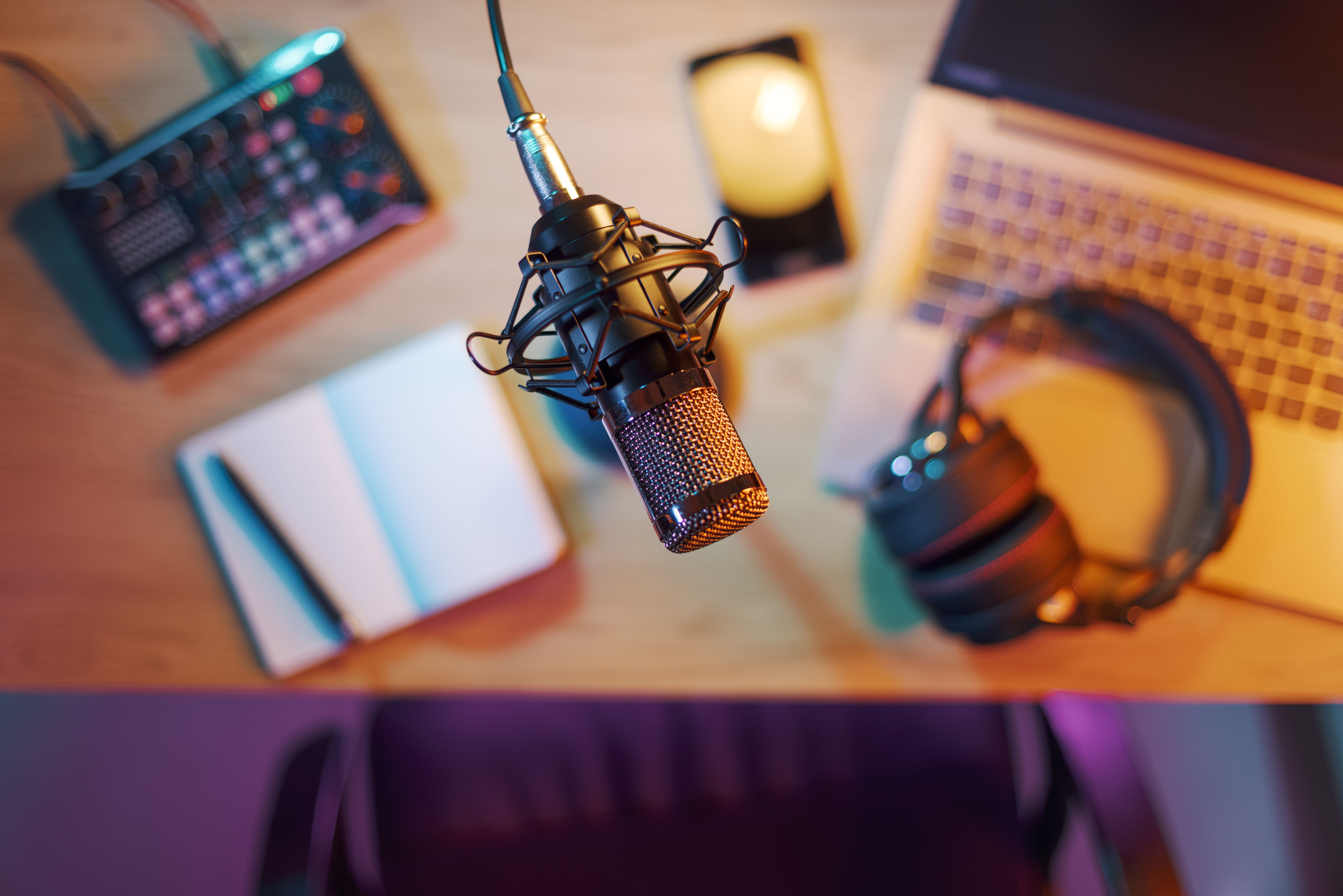
One of the most critical aspects of audio quality is the microphone. A high-quality microphone can make a significant difference. Consider investing in a dynamic or condenser microphone, as they are known for their excellent sound capture capabilities.
Headphones and Audio Interfaces
Using a good pair of headphones helps monitor audio levels and detect any unwanted noise during recording. An audio interface can also improve sound quality by providing better preamps and converters than your computer's built-in sound card.
Setting Up Your Recording Environment
Room Acoustics
Your recording environment plays a crucial role in audio quality. Choose a quiet space with minimal echo. You can use sound-absorbing materials like foam panels, carpets, and curtains to reduce reverb and external noise.
Minimizing Background Noise
Ensure that all electronic devices are turned off to avoid interference. Close windows to block out external sounds. You can also use a pop filter to reduce plosive sounds and a microphone isolation shield to focus your voice.

Editing and Post-Production
Using Audio Editing Software
Post-production is where you can polish your podcast to perfection. Software like Audacity or Adobe Audition allows you to edit your recordings, remove background noise, and adjust levels. Remember to normalize your audio to maintain consistent volume.
Adding Music and Effects
While editing, consider incorporating music or sound effects to enhance your podcast. Be mindful of the volume and ensure it complements your voice rather than overpowering it.
Final Checks and Publishing
Before publishing, listen to your podcast on different devices to ensure consistent audio quality. Pay attention to any discrepancies in sound across platforms and make necessary adjustments. This step ensures your podcast sounds great, whether played on a phone, computer, or car stereo.
By following these steps, you can significantly enhance your podcast's audio quality. Remember, investing time and effort in optimizing audio will lead to a more engaging and professional-sounding podcast that keeps your audience coming back for more.